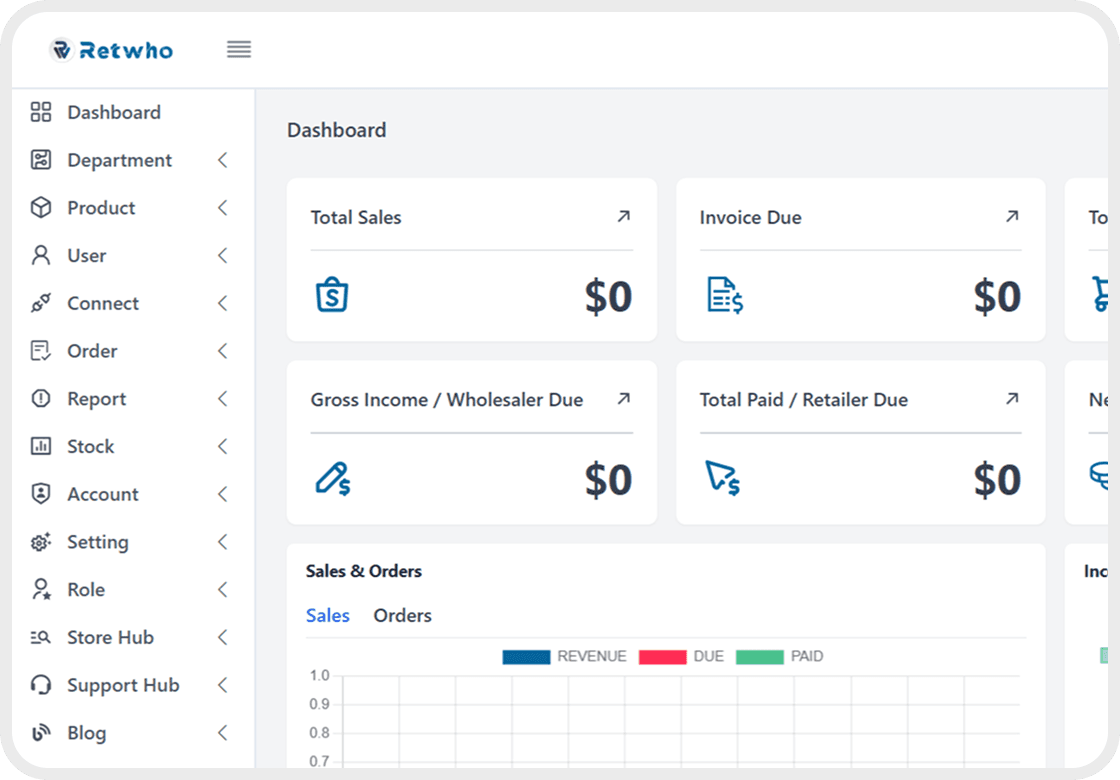


How To Delete a Department?
Click on "Department" in the left menu.Then Click on "All Departments" to see the list of existing departments.Find the department you want to delete.Click on the "Delete" button (usually a trash icon).A confirmation popup should appear asking:"Are you sure you want to delete this department?"Click "Yes" or "Confirm" to proceed.The department should be removed from the list.
1 min read3.5k